


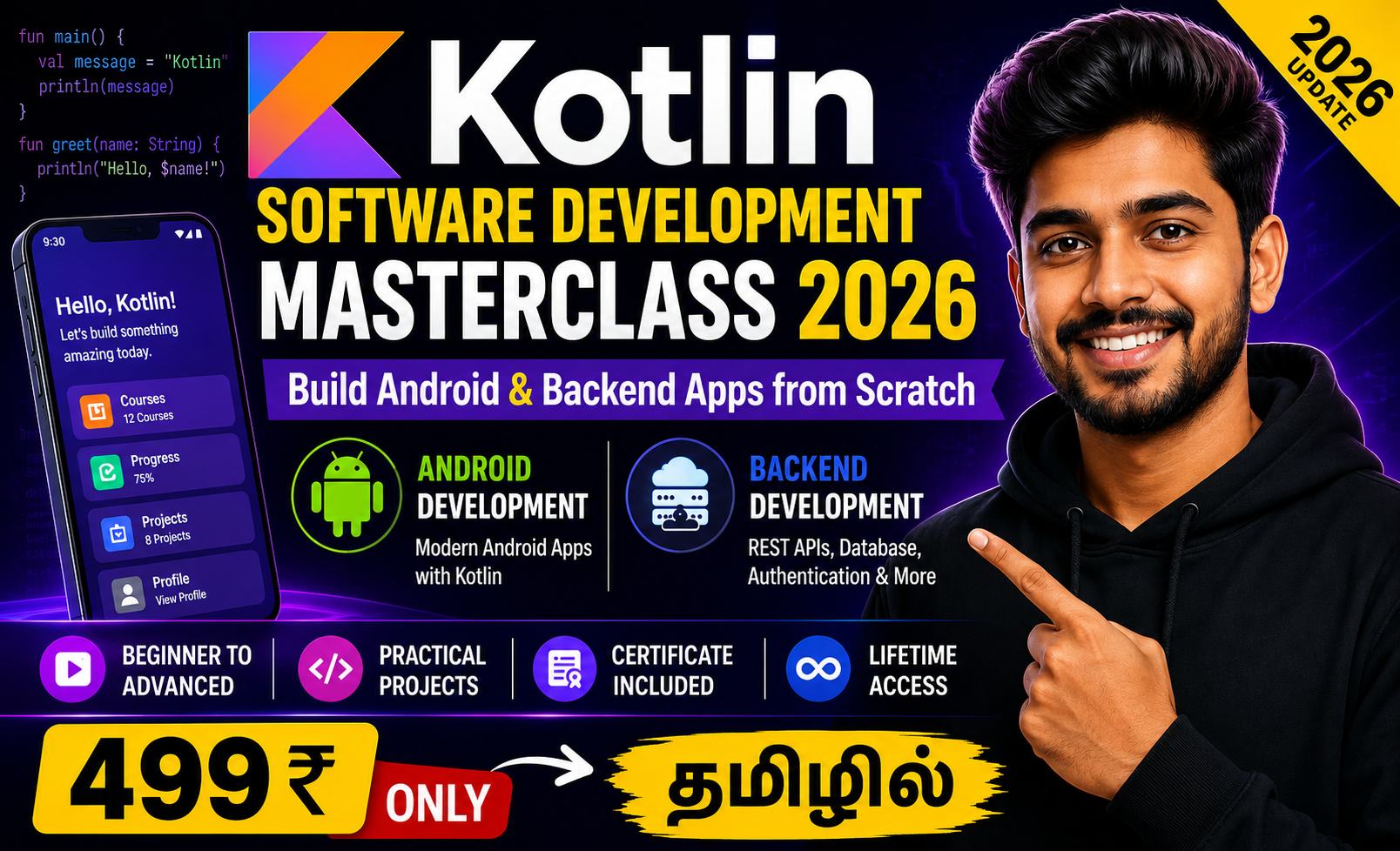
Kotlin Software Development Masterclass 2026: Build Android & Backend Apps from Scratch
-
 By
Coursezy
By
Coursezy
- 06/Jul/2026
- 1 Students
Course Description
Learn one of the world's most powerful programming languages with the Kotlin Software Development Masterclass. This comprehensive course is designed for beginners, students, aspiring software developers, and professionals who want to build modern Android applications and backend systems using Kotlin.
Starting with the fundamentals of Kotlin, you'll gradually progress to advanced concepts including object-oriented programming, functional programming, coroutines, collections, file handling, networking, database integration, and clean architecture. Throughout the course, you'll build practical projects that strengthen your coding skills and prepare you for real-world software development.
Whether your goal is Android app development, backend development, or preparing for software engineering interviews, this course provides hands-on experience and industry-standard development practices.
What You'll Learn
- Kotlin Programming Fundamentals
- Variables, Data Types & Operators
- Control Flow Statements
- Functions and Lambda Expressions
- Object-Oriented Programming (OOP)
- Classes, Objects & Constructors
- Inheritance, Interfaces & Polymorphism
- Collections & Generics
- Exception Handling
- Coroutines & Asynchronous Programming
Course Curriculum
-
1.introduction to kotlin

-
2.kotlin installation
-
3.how to install kotlin in windows
-
4.kotlin basics, datatypes, variables & operators
-
5.kotlin conditions & booleans
-
6.kotlin list array
-
7.kotlin loops
-
8.kotlin functios
-
9.kotlin functions part-2
-
10.kotlin default values
-
11.kotlin lamba
-
12.kotlin object properties
-
13.kotlin constructors
-
14.kotlin sub class
-
15.kotlin interface abstract
-
16.kotlin data class
-
17.kotlin pairs triples
-
18.kotlin collections
-
1.Exploring Android Studio
-
2.Exploring Activity
-
3.Exploring Layout l Linear Loyout
-
4.Adding User Interactivity
-
5.Data Binding
-
6.Creating New Activity
-
7.Lifecycle of an Activity
-
8. How To Use CheckBox
-
9.How To Use CheckBOX Part-2
-
10.Radio Button
-
11.Toggle Button &Switch
-
12.Image Button & Floating Action Button (2)
-
13.Progress Bar Indeterminate
-
14.Progress Bar Determinate
-
15.Seek Bar
-
16.Rating Bar
Coursezy
Rs499.00
Course includes:
-
 Level
Level
-
Beginner
Expert
-
 Duration
4h 40m
Duration
4h 40m
-
 Lessons
16
Lessons
16
-
 Quizzes
0
Quizzes
0
-
 Certifications
Yes
Certifications
Yes
-
 Language
-
தமிழ்